Importing Medium Articles Into Substack
A secret method, using an HTML Zip File

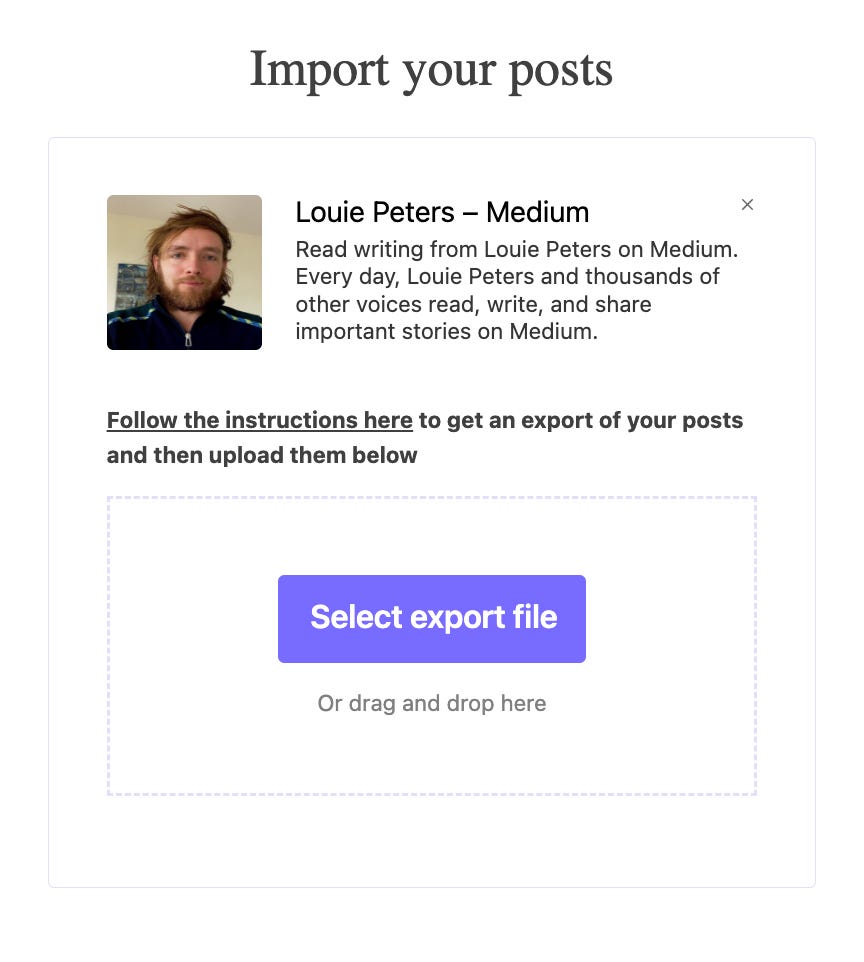
I wanted to import my Medium articles into Substack, at scale, but it turned out to be a bit of a challenge. It took a few days to figure it out, as this method is no longer documented anywhere. The following is how I managed to do it.
Go into your Medium profile→settings→security and click “download my information”. Following that, you will receive an email with a link to a zip file.
Extract the “Posts” directory from the zip.
Inside the directory, you will find your articles, drafts, and comments. I recommend deleting your comments and keeping the rest. Substack will identify your posts and drafts and will not publish the drafts.
Zip the “Posts” directory.
On Substack, you need to go to the import page
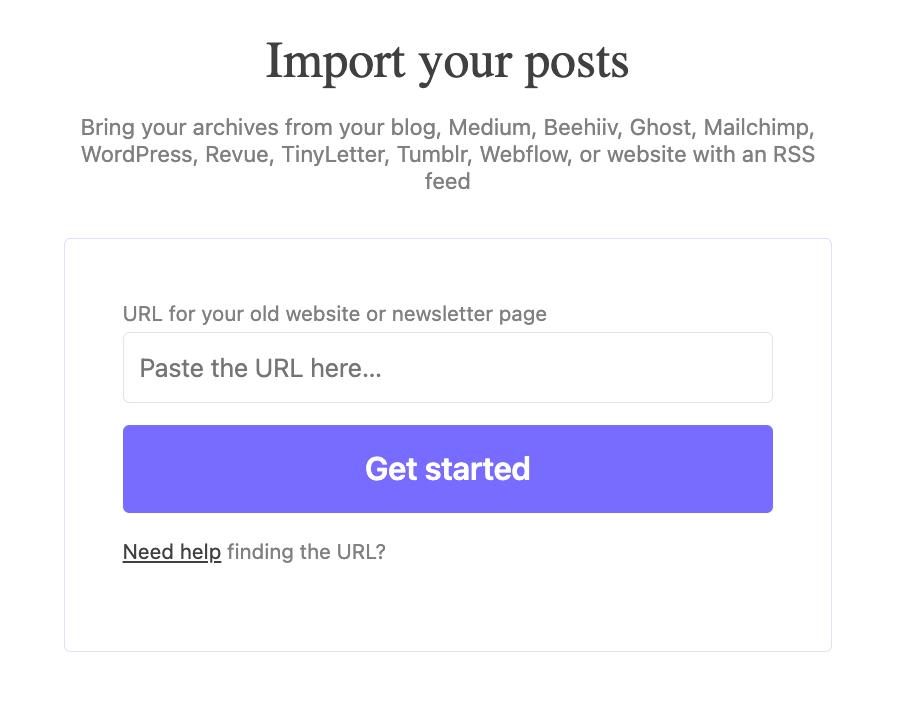
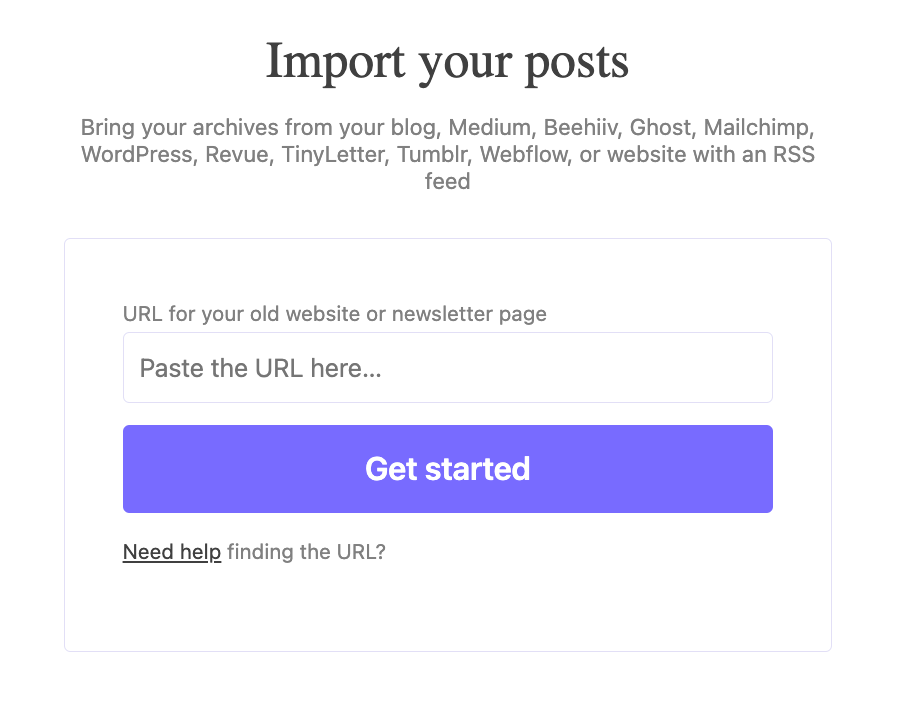
This is where I accidentally found out that if you insert a bad RSS URL, it will allow you to upload a file.
I used one of my articles, and added /feed/, e.g., “https://pub.towardsai.net/feed/the-organizational-impact-of-an-ml-engineer-8facbfa42cd8”.
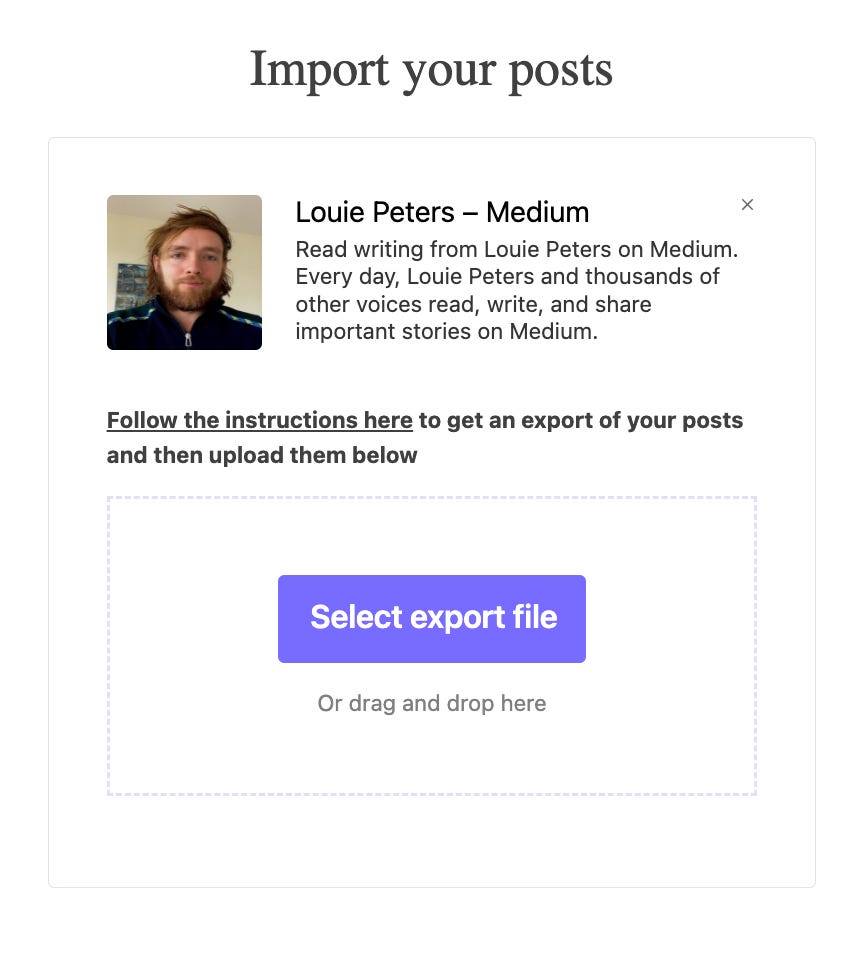
You will then get the secret import option
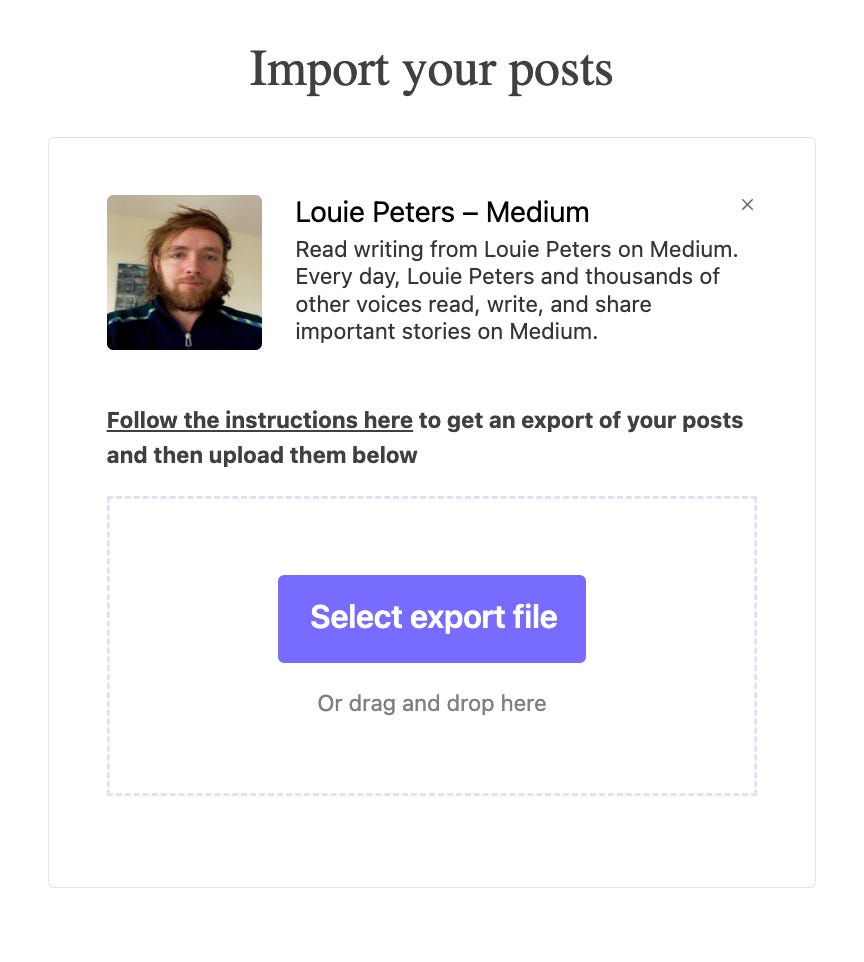
In order for this to work, select the zip that was created from the “Posts” directory. FYI, I also named the file posts.zip.
Wait a bit and let the process happen.
Dr. Ori Cohen has a Ph.D. in Computer Science with a focus on machine learning. He is a Senior Director of Data and the author of the ML & DL Compendium and StateOfMLOps.com.
OMG thank you so much. I did this wrong and my Substack now has 2700 posts and they 99.9% comments from Medium
If anyone finds this through Google like I did and is trying to go through thousands of HTML files from Medium, open the posts folder and sort by size. All of your articles should be the largest files. I only had 1 comment that was mixed inside my actual articles.
I hope this helps!
I did this wrong and my Substack now has 2700 posts and they 99.9% comments from Medium :( I'm not sure how I'm going to undo it. But at least I know how to do it right next time.